Hockey Templates🏒

The best Hockey templates the internet has to offer!

FAQ’s

What are Sportstemplates.net hockey templates?

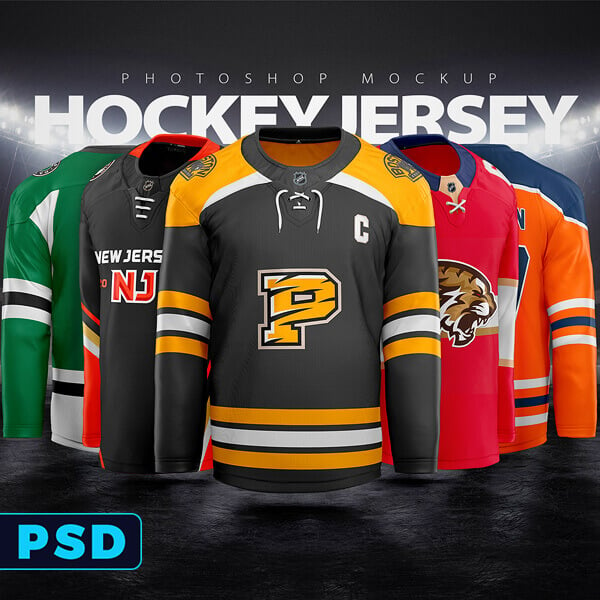
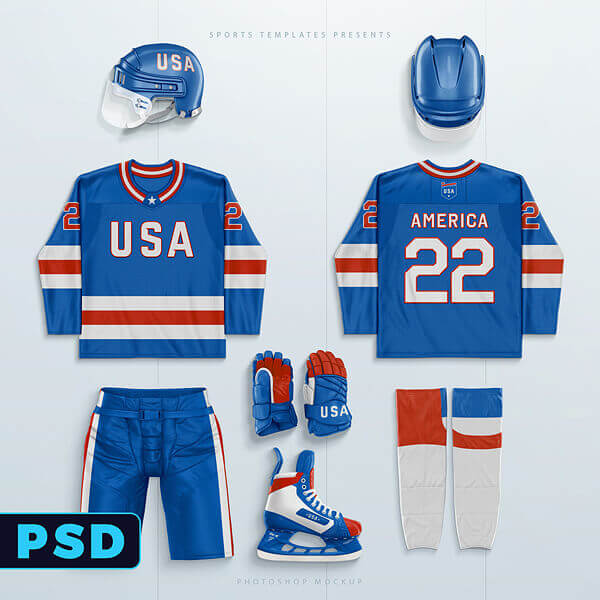
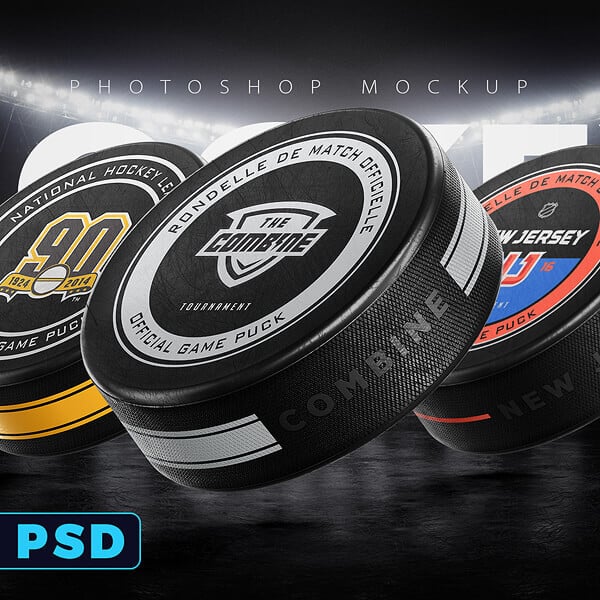
Sportstemplates.net hockey templates are ready-to-edit design files (mostly Photoshop PSDs, plus some animations) made for creating hockey jerseys, mockups, branding, and social graphics faster-without starting from scratch.

  • Best for: designers, teams, apparel brands, and content creators
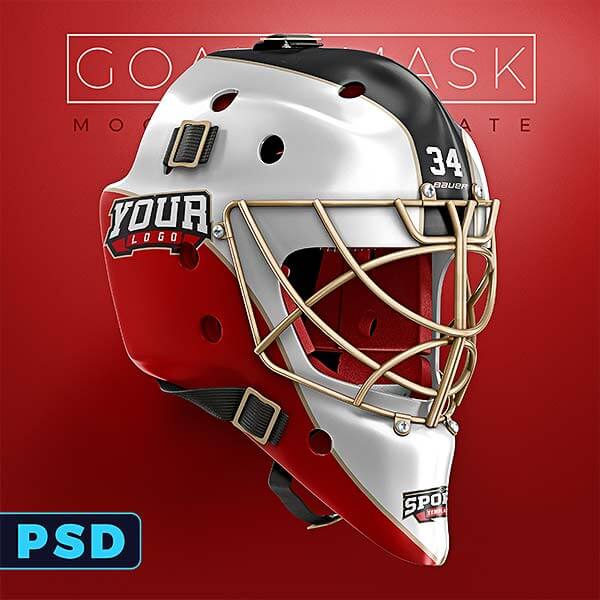
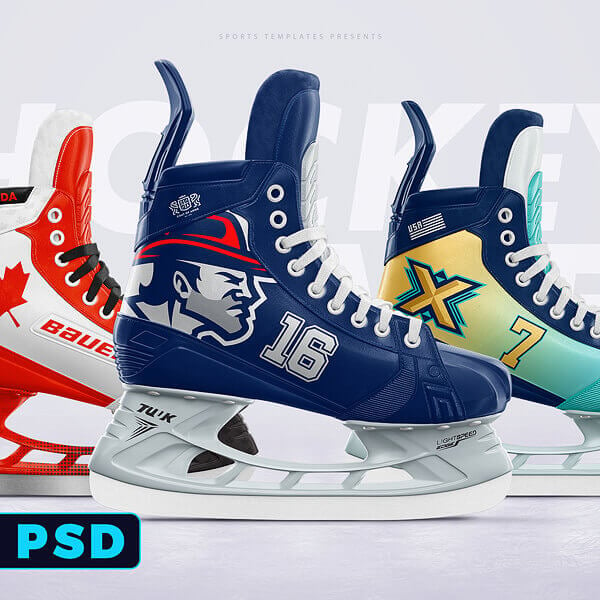
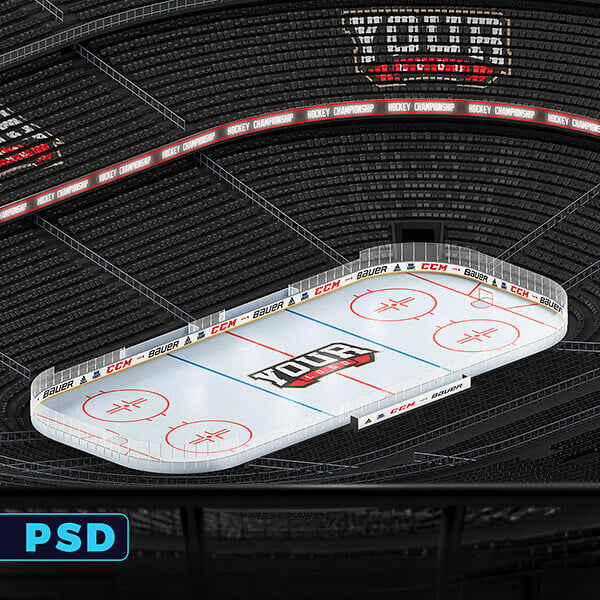
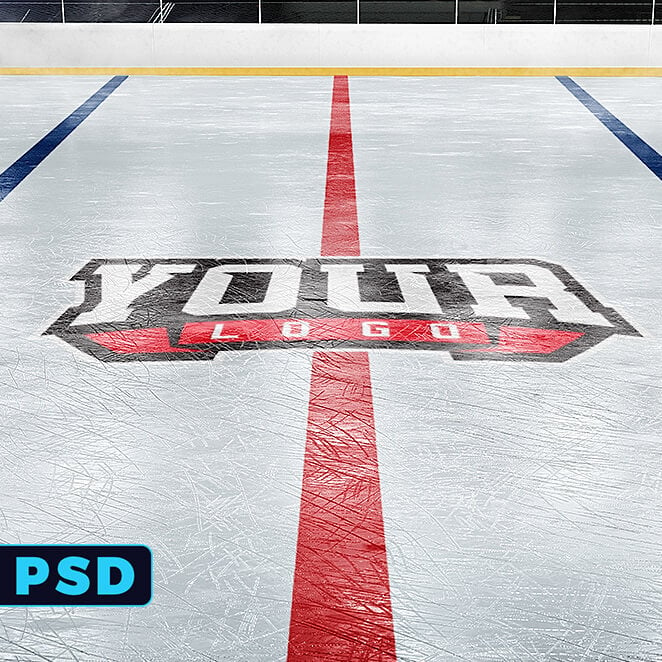
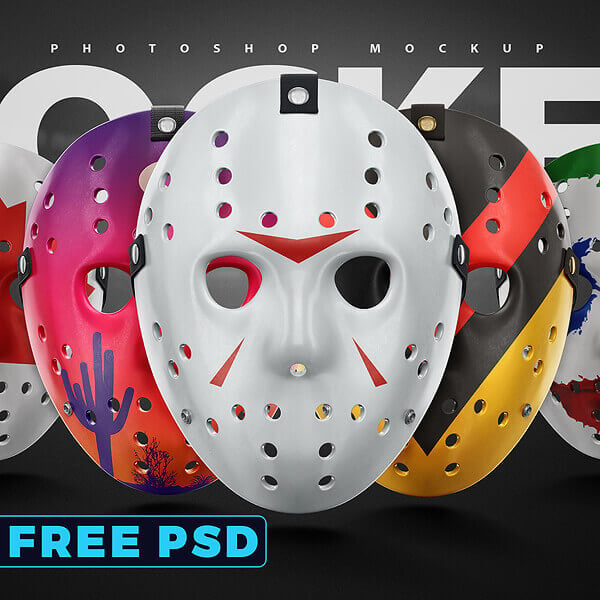
  • Typical outputs: jerseys, goalie masks, skates mockups, rink scenes, branding packs, motion graphics

Start with a hockey jersey builder / jersey template if your main goal is kit concepts. It’s the fastest way to create multiple colourways and present them cleanly.

  • Choose a Jersey Builder if you want fast variations + presentations
  • Choose an Animated Jersey Mockup if you want a short promo clip for socials
  • Add a Branding Mockups Pack if you need a complete client-ready presentation

Yes – Sportstemplates.net templates can be used for client projects if you purchase the right licence for commercial work.

Decision rule:

  • Personal / practice / portfolio → personal-style licence is usually enough
  • Client deliverables / paid work / brand assets → choose the commercial-friendly licence option shown on the product page

(If you want, paste the licence box text you use site-wide and I’ll align the wording perfectly.)

Most hockey products on Sportstemplates.net are Photoshop PSD templates (mockups, jersey templates, branding packs). Some items are animated files (commonly After Effects for motion mockups/graphics).

  • PSD = best for mockups, editable layers, colourways, presentations
  • Animation packs = best for promo reels, scoreboard/motion graphics, social content

For PSD products: yes, you’ll need Adobe Photoshop (because the layered smart objects and effects are built for it).

If you’re not a Photoshop user:

  • Pick templates labelled clearly as beginner-friendly
  • Use the included tutorial (many Sportstemplates.net products include one)
  • Or choose simpler mockups where you only replace a Smart Object and export

To make mockups look pro, match the design to the template’s lighting and material.

Quick checklist:

  • Use high-resolution logos (vector or large PNG)
  • Keep textures subtle: avoid harsh grain/noise on flat areas
  • If colours look off, adjust Hue/Saturation slightly instead of repainting
  • Export and check at 100% zoom before sending to a client

Use a 3-step stack so your output looks like a full brand system:

  1. Jersey builder / uniform template (core concept)
  2. Goalie mask mockup + skates mockup (signature hero visuals)
  3. Rink/arena mockup + branding mockups pack (context + packaging)

This combination turns one concept into a full client deck in a single session.

Yes – the hockey section typically includes at least some free PSD items (marked free). They’re ideal for testing the workflow before you buy a pack.

Best use:

  • Try a free mockup to check file size + layer structure
  • If it fits your workflow, upgrade to the “builder” or pack for faster output

Use this decision rule:

  • Buy single templates if you only need one specific item right now (e.g., goalie mask mockup)
  • Get Sportstemplates.net lifetime access if you regularly create sports designs and want the best cost-per-project long-term

A good signal for lifetime: you expect to use 3+ hockey products plus templates from other sports categories.

Look for:

  • Hockey motion graphics pack (fast social content)
  • Animated jersey mockup (promo-ready posts)
  • Branding mockups pack (clean, consistent visual identity across posts)

If you tell me your main audience (teams vs apparel brands vs designers), I’ll tailor 7–9 FAQs to match their objections and buying intent.

Black friday sale coming soon

the lowest prices of the year | For 3 days only

Starts Friday 26th | 40% OFF

40%off

store wide

00 : 00: 00

days hours mins